
ノートパソコン(Panasonic CF-S9)に最新のZABBIX3.2.3をインストールした簡単な記録。SELinuxとFirewallを有効としたときの設定。イントラネットなので両方とも無効にしても運用上特に問題ない。
CentOS
# cat /etc/redhat-release
CentOS Linux release 7.3.1611 (Core)
Firewall
# firewall-cmd --add-port=10051/tcp --zone=public --permanent
success
# firewall-cmd --add-service=http --zone=public --permanent
success
# systemctl restart firewalld
SELinux
# getsebool -a | grep zabbix
httpd_can_connect_zabbix --> off
zabbix_can_network --> off

# setsebool -P httpd_can_connect_zabbix on
# setsebool -P zabbix_can_network on
# getsebool -a | grep zabbix
httpd_can_connect_zabbix --> on
zabbix_can_network --> on
MySQL
# wget http://dev.mysql.com/get/mysql57-community-release-el7 -9.noarch.rpm
# rpm -ivh mysql57-community-release-el7-9.noarch.rpm
# rpm -qa | grep mysql
mysql-community-client-5.7.17-1.el7.x86_64
mysql57-community-release-el7-9.noarch
mysql-community-libs-5.7.17-1.el7.x86_64
mysql-community-libs-compat-5.7.17-1.el7.x86_64
mysql-community-common-5.7.17-1.el7.x86_64
mysql-community-server-5.7.17-1.el7.x86_64
# systemctl enable mysqld
# systemctl start mysqld
rootのパスワード
mysqld.logから以下の行を探す。太字がインストール直後のパスワード
# cat /var/log/mysqld.log
2017-01-21T12:02:56.434000Z 1 [Note] A temporary password is generated for root@localhost: hSgdArtav4-*
# vi /etc/my.cnf
character-set-server = utf8
default_password_lifetime = 0
ログイン時上記パスワード(非表示)を入力する
# mysql -uroot -p
Enter password:hSgdArtav4-*
mysql> SET GLOBAL validate_password_policy=LOW;
#rootのパスワード変更
mysql> ALTER USER 'root'@'localhost' IDENTIFIED BY 'PASSWORD';
mysql> select @@validate_password_policy;
+----------------------------+
| @@validate_password_policy |
+----------------------------+
| LOW |
+----------------------------+

mysql> uninstall plugin validate_password;
mysql> create database zabbix character set utf8 collate utf8_bin;
mysql> grant all privileges on zabbix.* to zabbix@localhost identified by 'zabbix';
mysql> show databases;
+--------------------+
| Database |
+--------------------+
| information_schema |
| mysql |
| performance_schema |
| sys |
| zabbix |
+--------------------+
5 rows in set (0.00 sec)
ZABBIX
インストール~テーブル作成
# wget http://repo.zabbix.com/zabbix/3.2/rhel/7/x86_64/zabbix-release-3.2-1.el7.noarch.rpm
# rpm -ivh zabbix-release-3.2-1.el7.noarch.rpm
# cd /usr/share/doc/zabbix-server-mysql-3.2.3/
# zcat create.sql.gz | mysql -u zabbi x -p zabbix
zabbix_server.conf 編集
# vi /etc/zabbix/zabbix_server.conf
DBName=zabbix
DBUser=zabbix
DBPassword=zabbix
show tables
# mysql -u zabbix -p
mysql> use zabbix;
mysql> show tables;
+----------------------------+
| Tables_in_zabbix |
+----------------------------+
| acknowledges |
| actions |
| alerts |
| application_discovery |
| application_prototype |
| application_template |
| applications |
| auditlog |
| auditlog_details |
| autoreg_host |
| conditions |
| config |
| corr_condition |
| corr_condition_group |
| corr_condition_tag |
| corr_condition_tagpair |
| corr_condition_tagvalue |
| corr_operation |
| correlation |
| dbversion |
| dchecks |
| dhosts |
| drules |
| dservices |
| escalations |
| event_recovery |
| event_tag |
| events |
| expressions |
| functions |
| globalmacro |
| globalvars |
| graph_discovery |
| graph_theme |
| graphs |
| graphs_items |
| group_discovery |
| group_prototype |
| groups |
| history |
| history_log |
| history_str |
| history_text |
| history_uint |
| host_discovery |
| host_inventory |
| hostmacro |
| hosts |
| hosts_groups |
| hosts_templates |
| housekeeper |
| httpstep |
| httpstepitem |
| httptest |
| httptestitem |
| icon_map |
| icon_mapping |
| ids |
| images |
| interface |
| interface_discovery |
| item_application_prototype |
| item_condition |
| item_discovery |
| items |
| items_applications |
| maintenances |
| maintenances_groups |
| maintenances_hosts |
| maintenances_windows |
| mappings |
| media |
| media_type |
| opcommand |
| opcommand_grp |
| opcommand_hst |
| opconditions |
| operations |
| opgroup |
| opinventory |
| opmessage |
| opmessage_grp |
| opmessage_usr |
| optemplate |
| problem |
| problem_tag |
| profiles |
| proxy_autoreg_host |
| proxy_dhistory |
| proxy_history |
| regexps |
| rights |
| screen_user |
| screen_usrgrp |
| screens |
| screens_items |
| scripts |
| service_alarms |
| services |
| services_links |
| services_times |
| sessions |
| slides |
| slideshow_user |
| slideshow_usrgrp |
| slideshows |
| sysmap_element_url |
| sysmap_url |
| sysmap_user |
| sysmap_usrgrp |
| sysmaps |
| sysmaps_elements |
| sysmaps_link_triggers |
| sysmaps_links |
| task |
| task_close_problem |
| timeperiods |
| trends |
| trends_uint |
| trigger_depends |
| trigger_discovery |
| trigger_tag |
| triggers |
| users |
| users_groups |
| usrgrp |
| valuemaps |
+----------------------------+
Apache
# vi /etc/httpd/conf.d/zabbix.conf
# php_value date.timezone Europe/Riga
↓
php_value date.timezone Asia/Tokyo
ZABBIXServer起動せず対策
# systemctl start zabbix-server
Job for zabbix-server.service failed because a configured resource limit was exceeded. See "systemctl status zabbix-server.service" and "journalctl -xe" for details.
SELinuxの再設定
こちらを参考にいたしました。
http://sshzk.blogspot.jp/2017/01/zabbix-307.html
# grep zabbix_server /var/log/audit/audit.log | audit2allow
#============= zabbix_t ==============
allow zabbix_t self:process setrlimit;
# grep zabbix_server /var/log/audit/audit.log | audit2allow - M zabbix-limit
******************** IMPORTANT ***********************
To make this policy package active, execute:
semodule -i zabbix-limit.pp
# semodule -i zabbix-limit.pp
各daemonの起動設定と再起動(念のため)
# systemctl enable mysqld
# systemctl enable httpd
# systemctl enable zabbix-server
# systemctl enable zabbix-agent
# systemctl restart mysqld
# systemctl restart httpd
# systemctl restart zabbix-server
# systemctl restart zabbix-agent
Webからの設定
http://192.168.10.251/zabbix(IPアドレスはそれぞれの環境による)
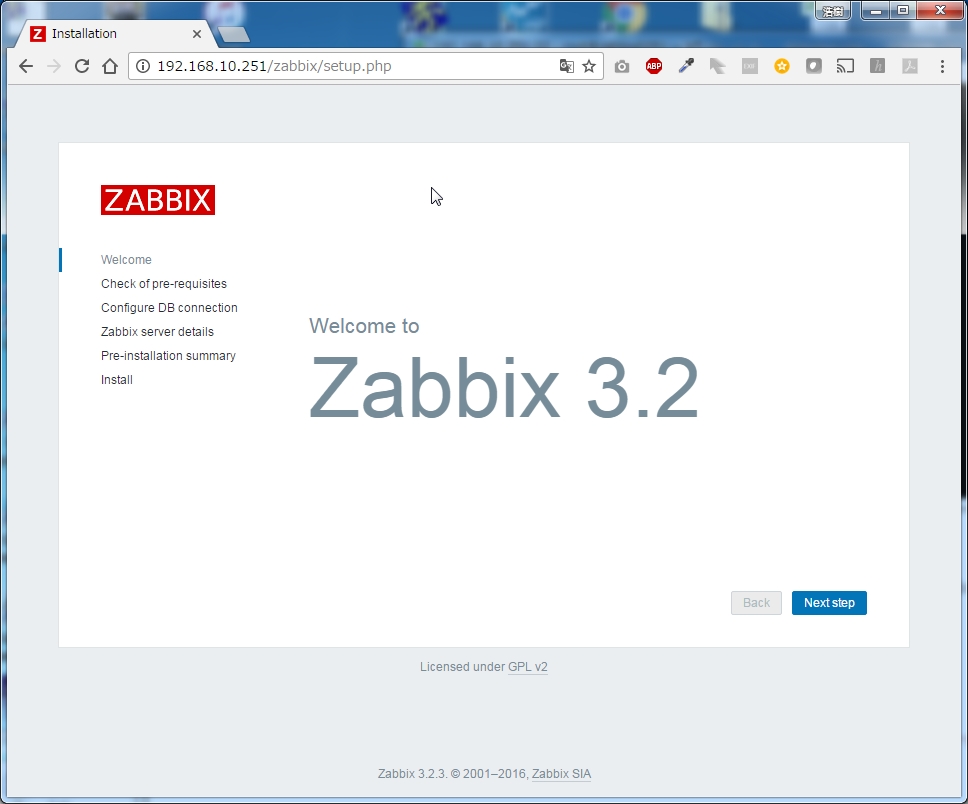
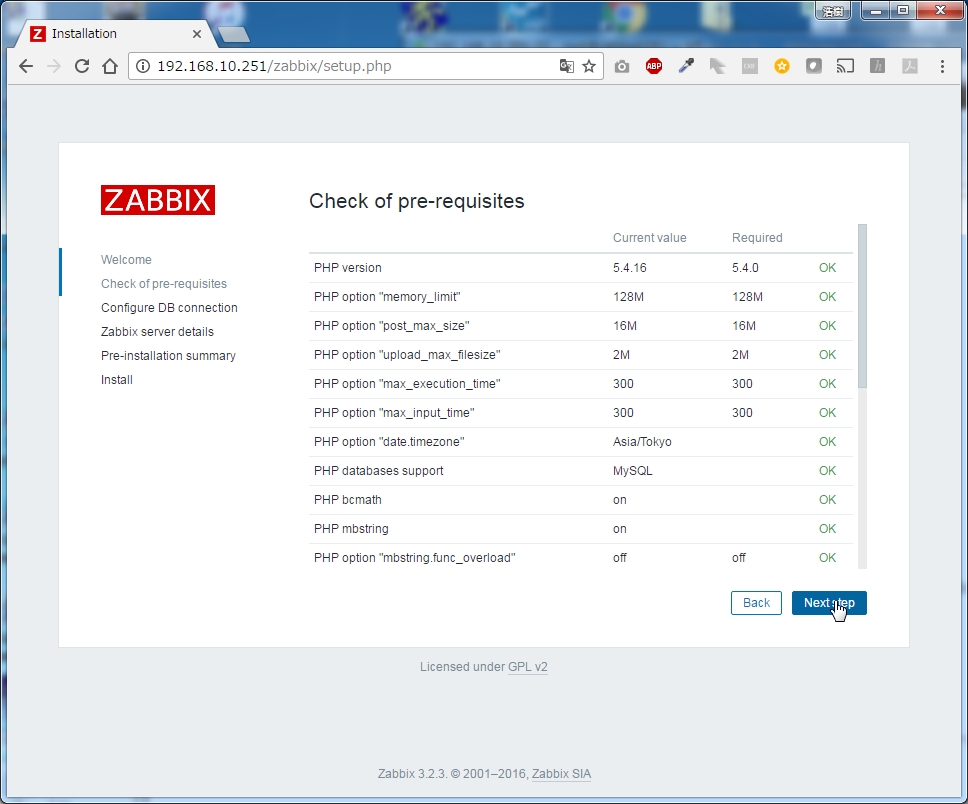
Password zabbix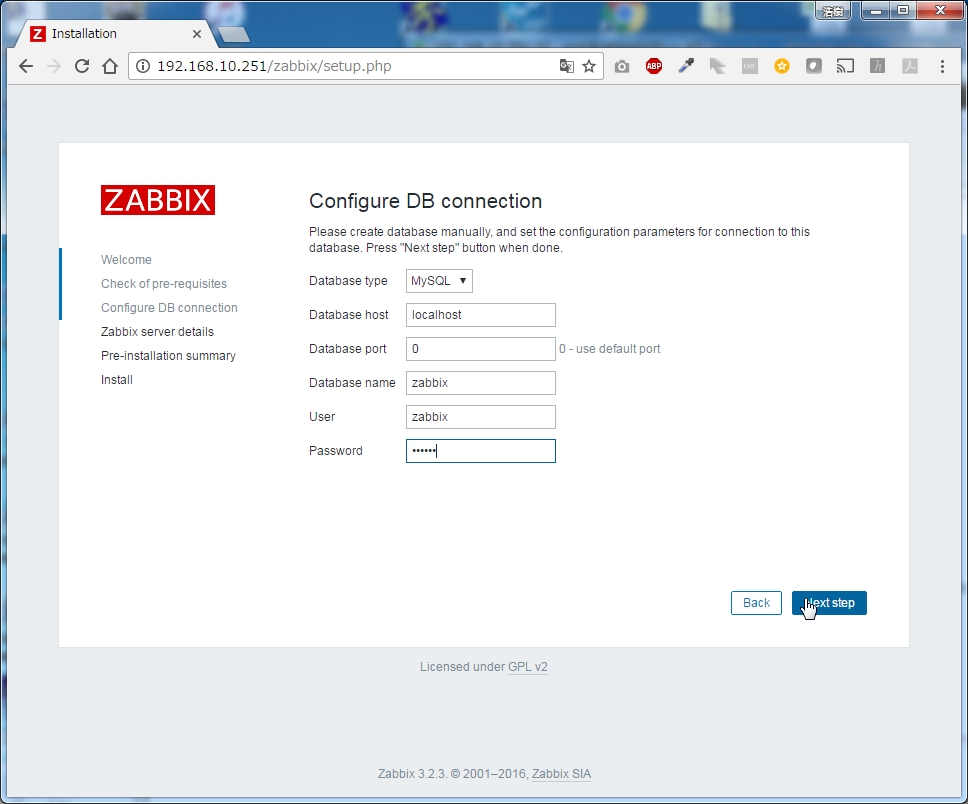
そのまま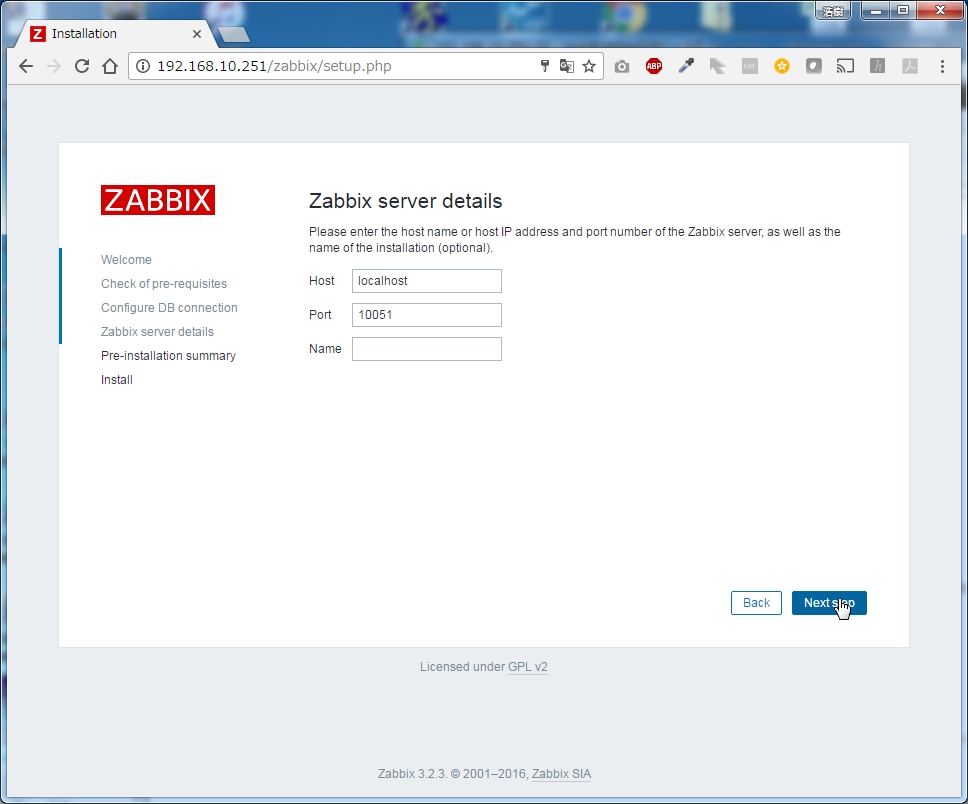
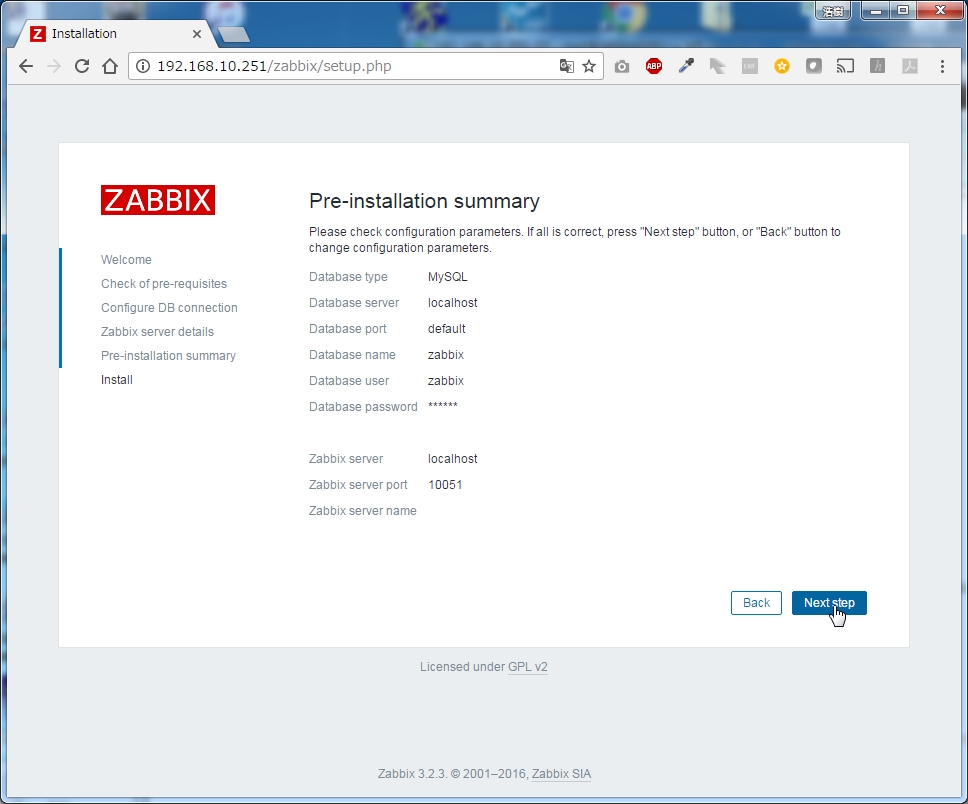
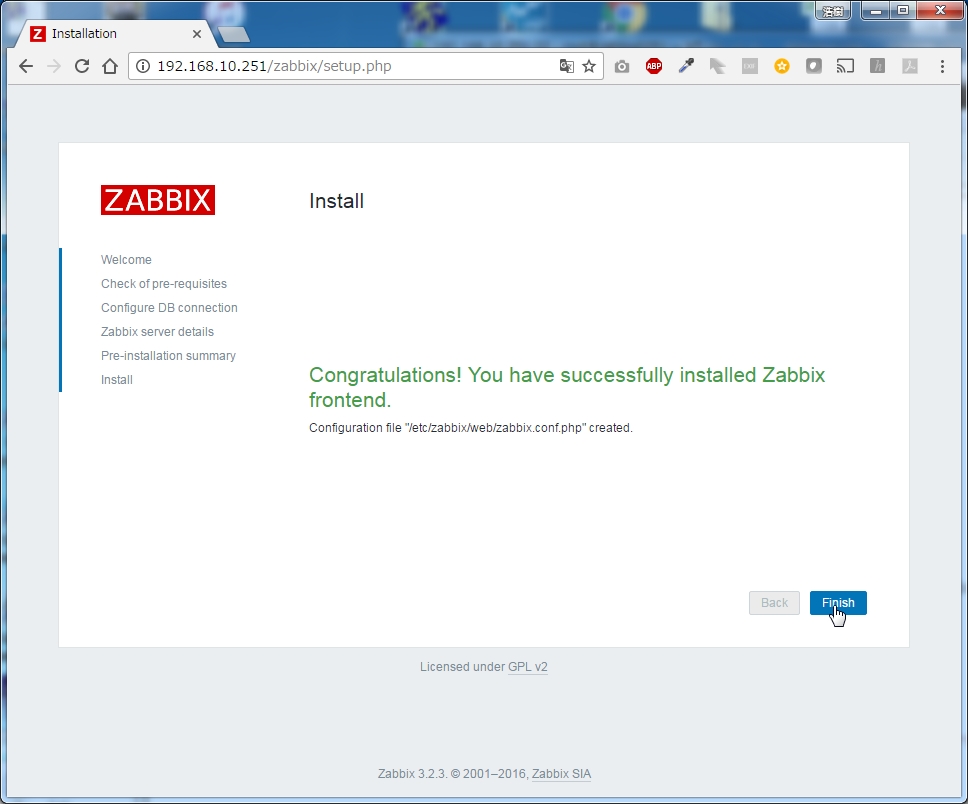
ログイン Admin zabbix
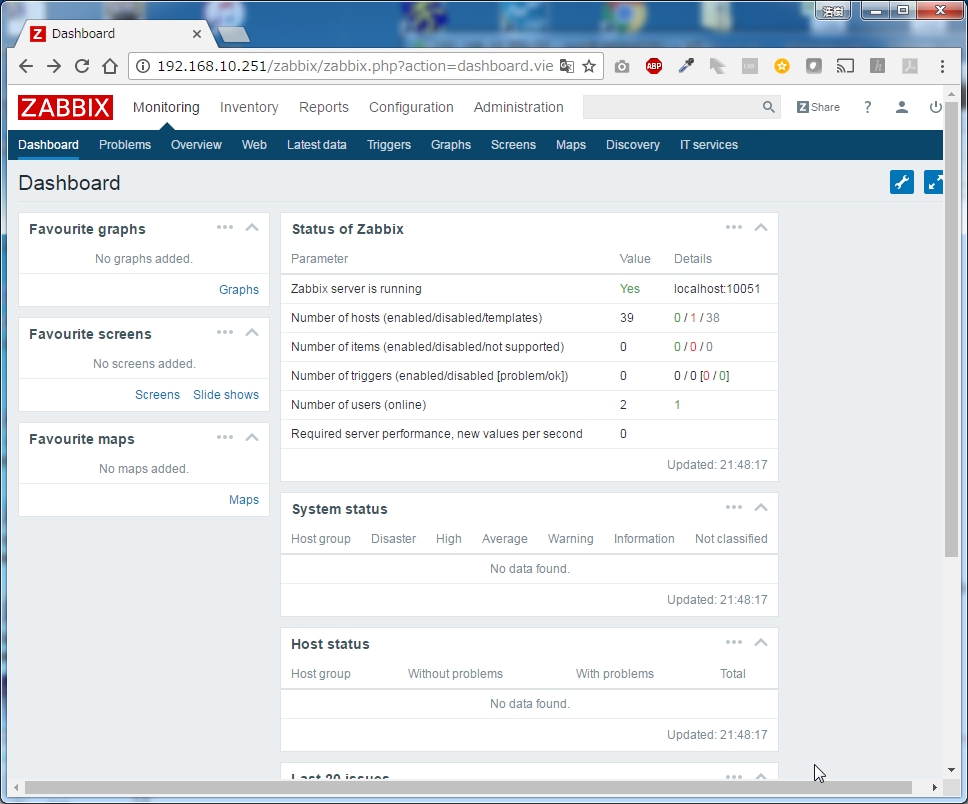
日本語設定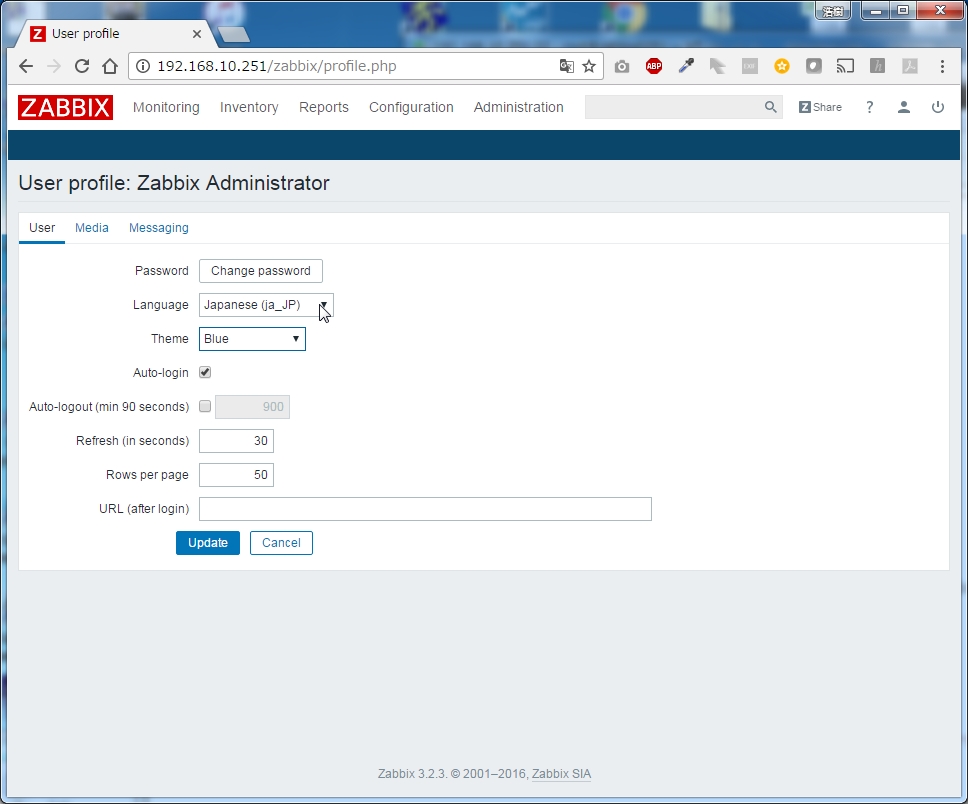
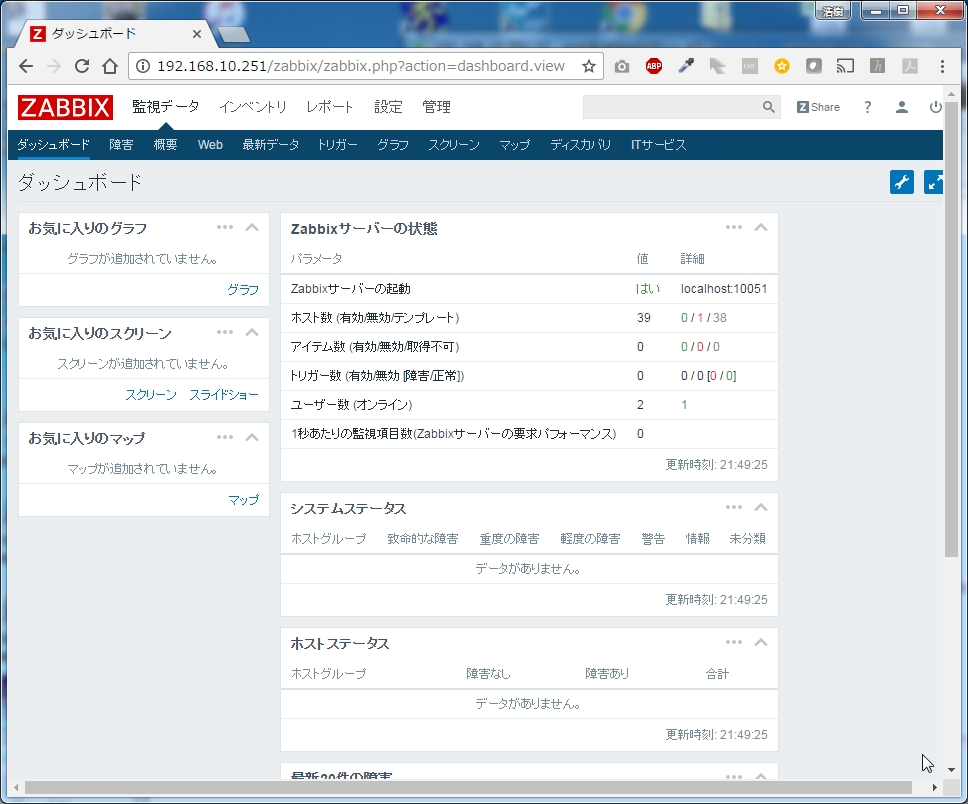
あると便利な設定
vsftpd
# yum install vsftpd
# rpm -qa | grep vsftpd
vsftpd-3.0.2-21.el7.x86_64
vsftpd.conf編集 編集部分のみ抜粋
# vi /etc/vsftpd/vsftpd.conf
anonymous_enable=NO
write_enable=YES
local_umask=022
ascii_upload_enable=YES
ascii_download_enable=YES
listen=YES
listen_ipv6=NO
firewall
# firewall-cmd --add-service=ftp --permanent
# firewall-cmd --reload
selinux
# setsebool -P ftpd_full_access on
# getsebool -a | grep ftp
ftpd_anon_write --> off
ftpd_connect_all_unreserved --> off
ftpd_connect_db --> off
ftpd_full_access --> on
ftpd_use_cifs --> off
ftpd_use_fusefs --> off
ftpd_use_nfs --> off
ftpd_use_passive_mode --> off
httpd_can_connect_ftp --> off
httpd_enable_ftp_server --> off
tftp_anon_write --> off
tftp_home_dir --> off
ちまたのWebをみるとftp_home_dirをonにせよとありますが、無いのでftpd_full_accessをON
Webmin
# wget https://sourceforge.net/projects/webadmin/files/webmin/1.831/webmin-1.831-1.noarch.rpm
# yum install webmin-1.831-1.noarch.rpm
firewall
# firewall-cmd --permanent --zone=public --add-port=10000/tcp
# systemctl restart firewalld
https://ipaddress:10000にアクセス
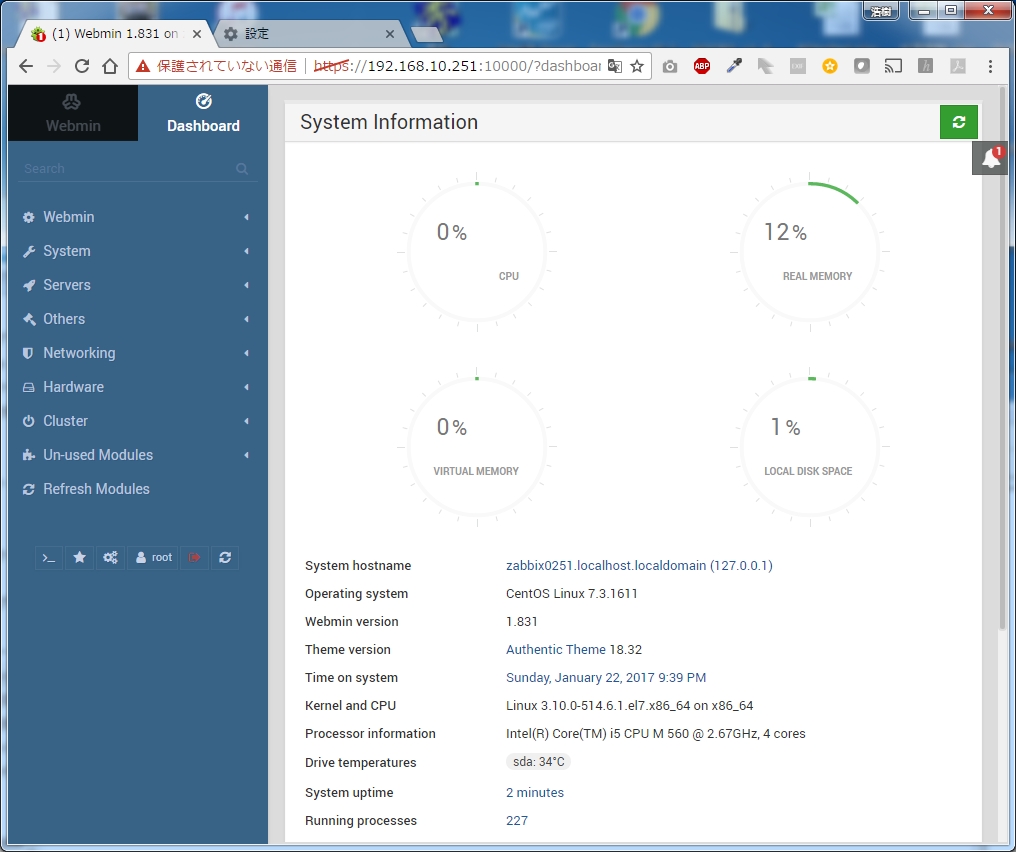
最近のWebminとても素敵なDashboardとなっている。
ntpサーバ設定
# systemctl stop ntpd
# ntpdate ntp1.jst.mfeed.ad.jp
22 Jan 21:50:38 ntpdate[5259]: adjust time server 210.173.160.27 offset -0.007167 sec
# clock -w
# vi /etc/ntp.conf
server ntp1.jst.mfeed.ad.jp
server ntp2.jst.mfeed.ad.jp
server ntp3.jst.mfeed.ad.jp
# systemctl start ntpd
# ntpq -p
remote refid st t when poll reach delay offset jitter
===================================================
*ntp1.jst.mfeed. 133.243.236.17 2 u 6 64 1 5.212 -0.239 0.000
ntp2.jst.mfeed. 133.243.236.17 2 u 5 64 1 7.342 0.331 0.000
ntp3.jst.mfeed. 133.243.236.17 2 u 4 64 1 6.944 -1.233 0.000

コメント